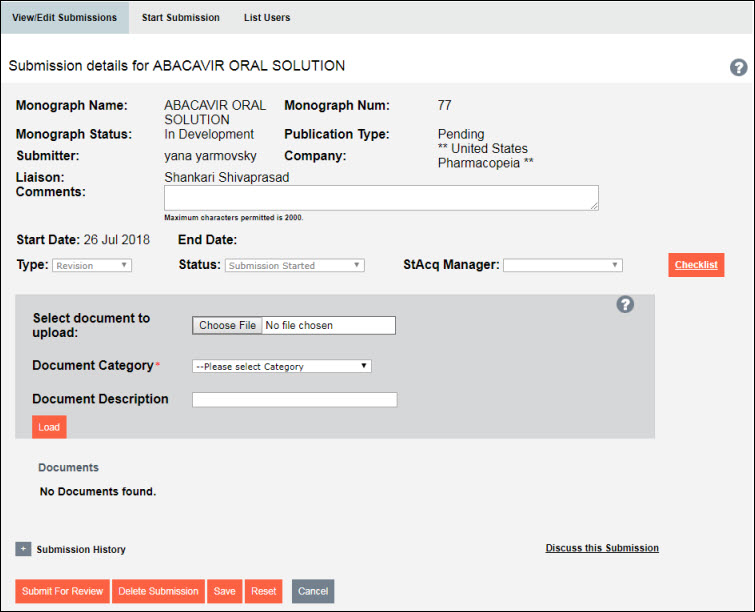
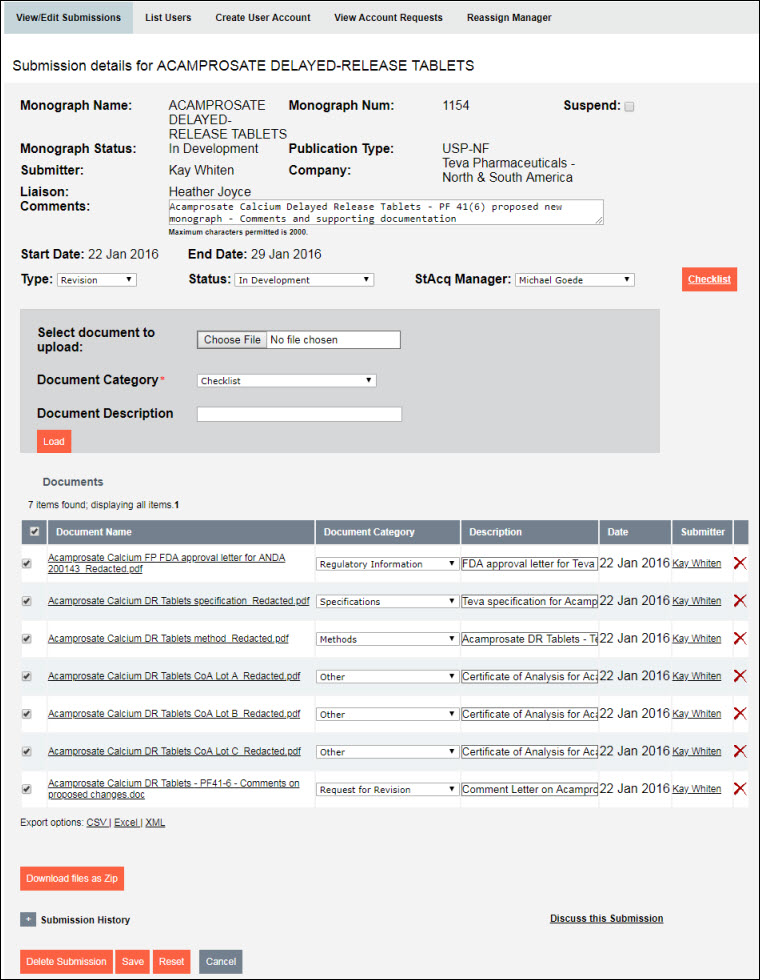
To get a list of monograph submissions, select the View/Edit Submissions tab (see Viewing the Monograph Submissions List). To view the details of one of the submissions, as well as any associated documents, select the Monograph Name hyperlink in the table. An Edit Submission window for the monograph displays. (Click here for a description of the details fields and to see which ones are editable.)
NOTE |
The Comments field and Documents section are editable to the Donor/Donor PoC only when the submission is in a status of "Submission Started." |
NOTE |
Deletions are permanent (not archived). If a submission is deleted, any documentation associated with it will not be retrievable. |
NOTE |
Deletions are permanent (not archived). If a submission is deleted, any documentation associated with it will not be retrievable. |

NOTE |
The View/Edit Submission details are non-editable to viewers. |
At the bottom of the screen are two links:
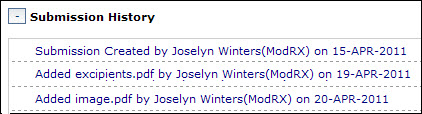
â Submission History â Click on link to view a history of all actions taken on the monograph submission.
â Discuss this Submission â Click on link to open the discussion forum for the selected monograph. (See Viewing Forum Topics and Posts.)
To view the supporting documentation for the monograph submission, click on the Document Name link in the table.
o The document opens in a new browser window or tab.
NOTE |
You can also download the documents to a Zip file for later viewing. (See Downloading Submission Documents to a Zip File.) |