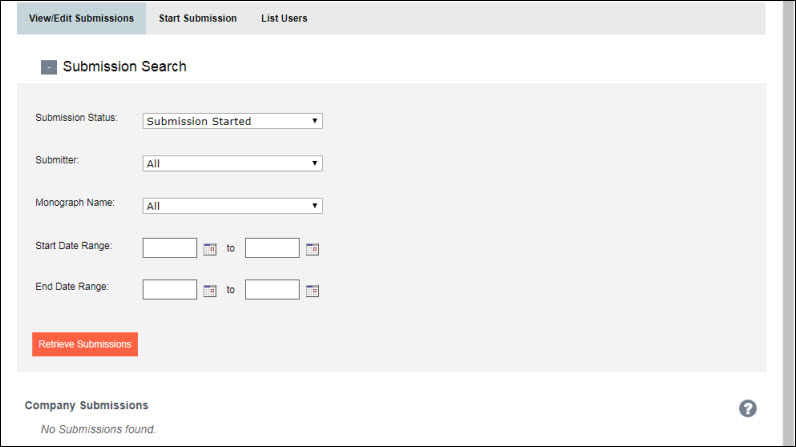
All Donor Submission Portal users can view a list of monograph submissions by selecting the View/Edit Submissions tab. StAcq team members and USP staff are able to view all monograph submissions, while donors are able to view only those submitted by their company or organization.
The default view of the View/Edit Submission tab lists (alphabetically by monograph name) all monographs for your company with a current status of "Submission Started". These submissions are still under development and lack the full documentation for USP acceptance.
NOTE |
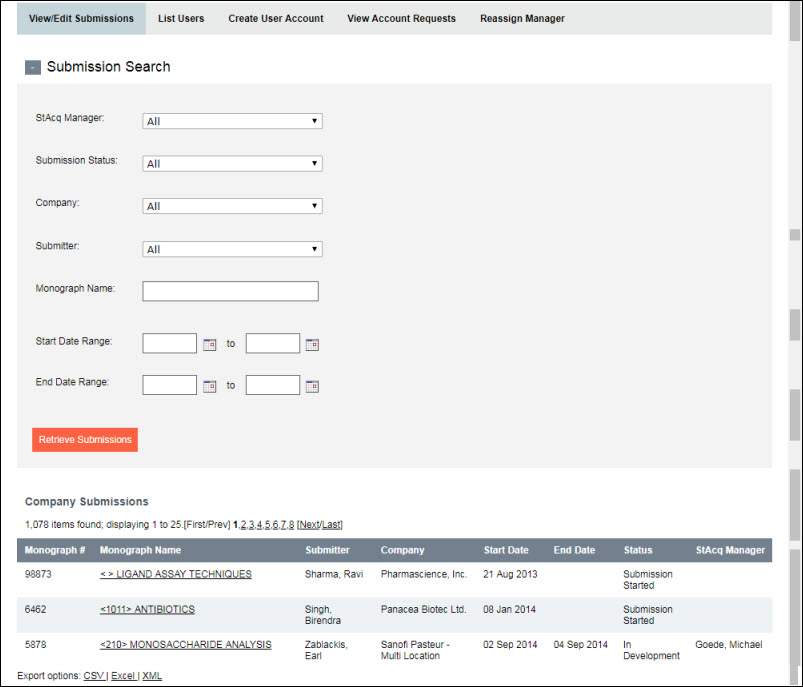
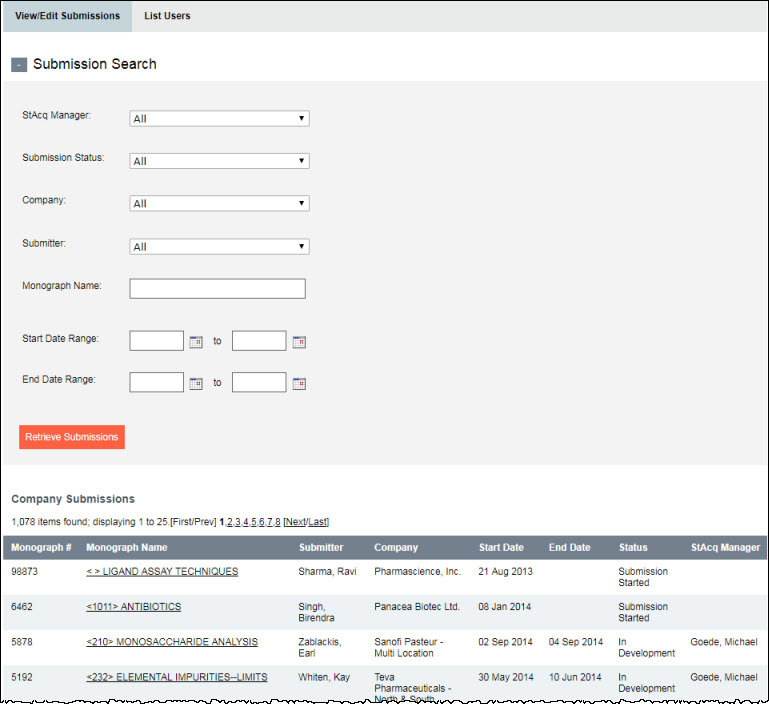
By default, the table displays a maximum of 25 submissions per page. To view the rest of the list, select a different page number from the listed page numbers . |
You can re-sort the data order by clicking on one of the table column headers. You can also refine the list of submissions, e.g., view just submissions started by a particular Donor, using the search filters located at the top of the page. To view the available filters, click on the plus sign (+) to the left of "Submission Search." Once you have selected the search criteria, click on the Retrieve Submissions button to view the search results.
NOTE |
You can export the data in the table to CSV, Excel, or XML using the links at the bottom left of the screen. |
|
You can also access the Discussion/Forum
from the View/Edit Submissions
tab, if a new post has been added. In such cases, an |
To view the details of a submission, including any attached documentation, click on the respective Monograph Name link in the table. (See Viewing Submission Details.)
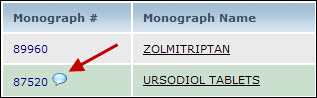
 icon will display in the Monograph #
column. Click on the icon to access the forum. (See also
icon will display in the Monograph #
column. Click on the icon to access the forum. (See also